Create & Build Relevances
BigFix- Complaince module
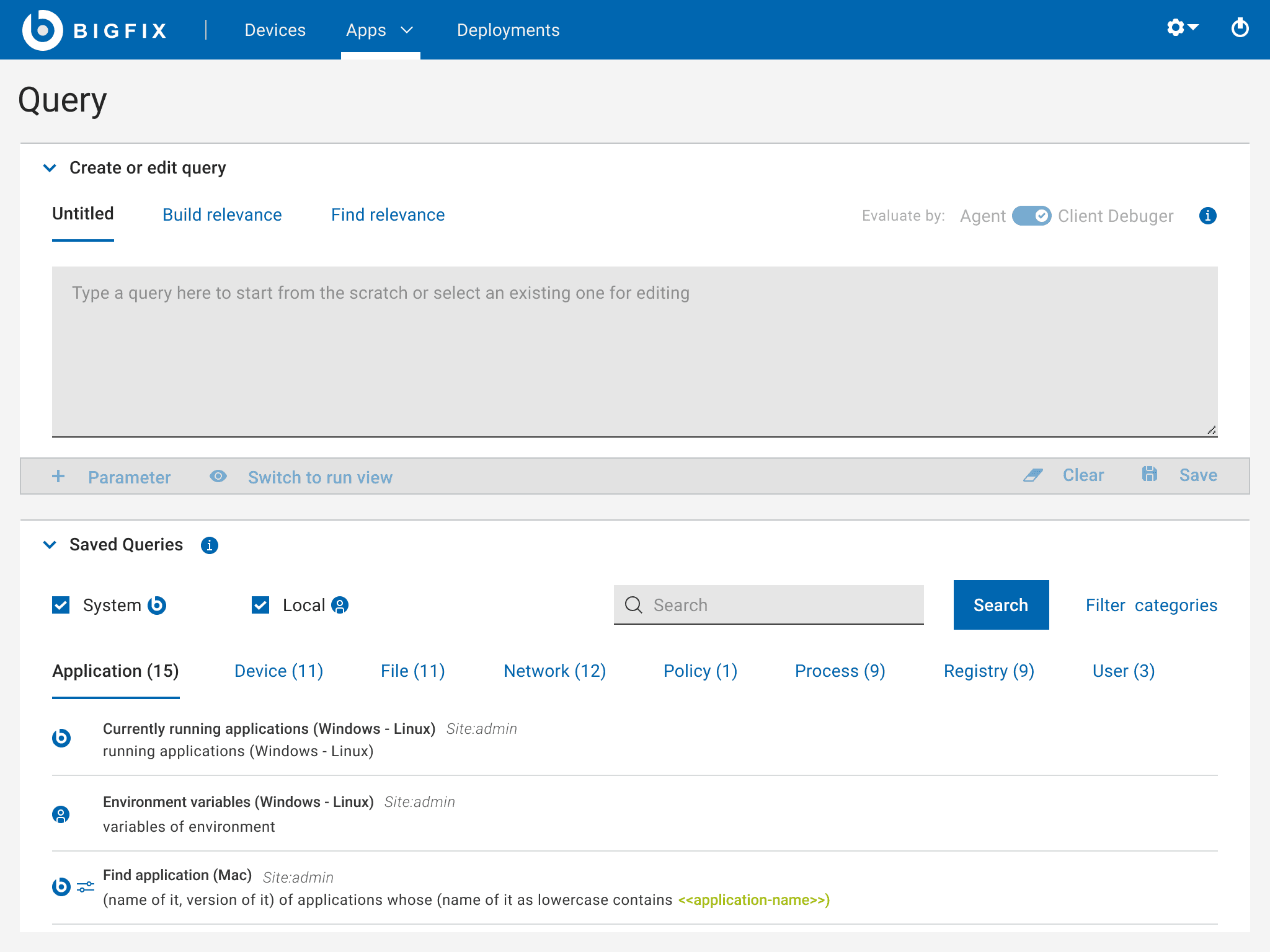

Overview
BigFix Query is a tool used within BigFix platform to perform queries and retrieve information from endpoints in a network. BigFix itself is a unified endpoint management and security platform that allows administrators to manage and secure a variety of devices across an organization.
In BigFix, queries are written in a language known as the BigFix Relevance Language. This language is used to ask questions about the state of endpoints, and the responses can help administrators make decisions about patches, configurations, and compliance.
Here’s a brief overview of how BigFix Query works:
Relevance Language: The BigFix Relevance Language is a powerful querying language that lets you write expressions to retrieve and evaluate information from managed endpoints. For example, you can query details about installed software, system configurations, or compliance statuses.
Custom Queries: Administrators can create custom queries to gather specific information needed for their management and security tasks. These queries can be run against all endpoints or a subset of them.
Data Retrieval: Once a query is executed, BigFix collects the requested data from the endpoints and presents it to the administrator. This data can be used for reporting, analysis, or taking further actions.
Use Cases: BigFix queries are useful for a variety of tasks such as tracking software installations, checking system configurations, auditing compliance, or gathering inventory details.
Problem with Existing Product
Admin want to build their own relevances without need of much knowledge.
Admin should able to find the relevances easily
Can create & edit custom queries
Able to find all target endpoints to fetch the details.
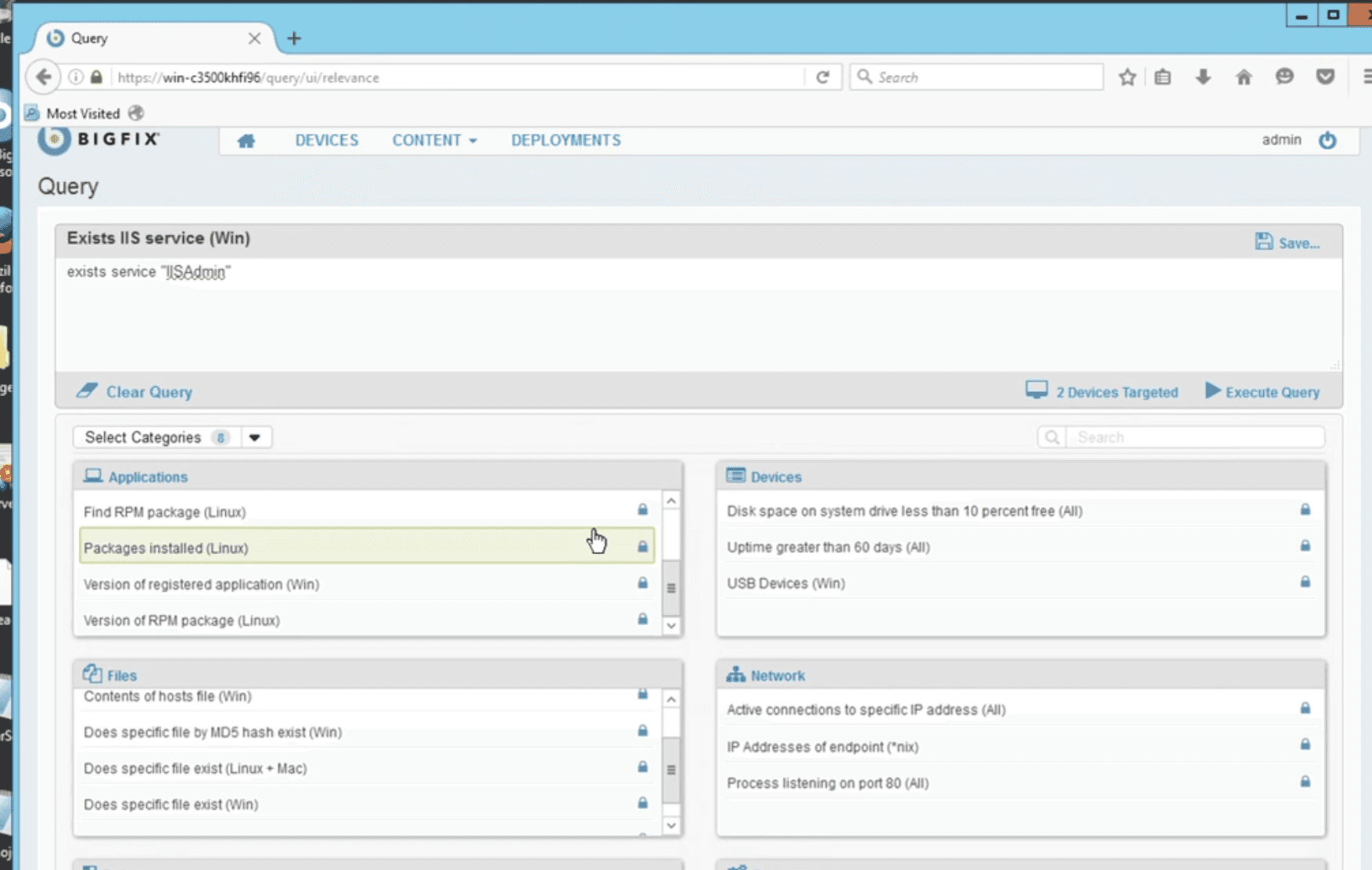
Tools
Figma, FigJam board, Balsamiq Color contrast checker
Team
1 UX Designers, 6 Developers, 1 Product manager
My role
UX Design, UX research, Visual design, Interaction design
Timeline
3 Months
Pain points
Identified and addressed pain points of target users to create a positive and effective user experience. Here’s a breakdown of common pain points I found out:
Usability Issues: Problems with how easy or difficult it is for users to accomplish their goals.
Performance Problems: Slow load times, laggy interactions, or other performance issues can frustrate users and lead to a poor experience.
Features:
Admin want to build their own relevances without need of much knowledge.
Admin should able to find the relevances easily
Can create & edit custom queries
Able to find all target endpoints to fetch the details.
My Approach
Able to build relevances so that they can copy & paste it and run the queries without any problem.
Having a separate tab for easily search relevant keywords.
Create & Save own custom categories to easily navigate.
Having a a global search would be big impact.
Visuals - HiFi mockups
Look & Feel
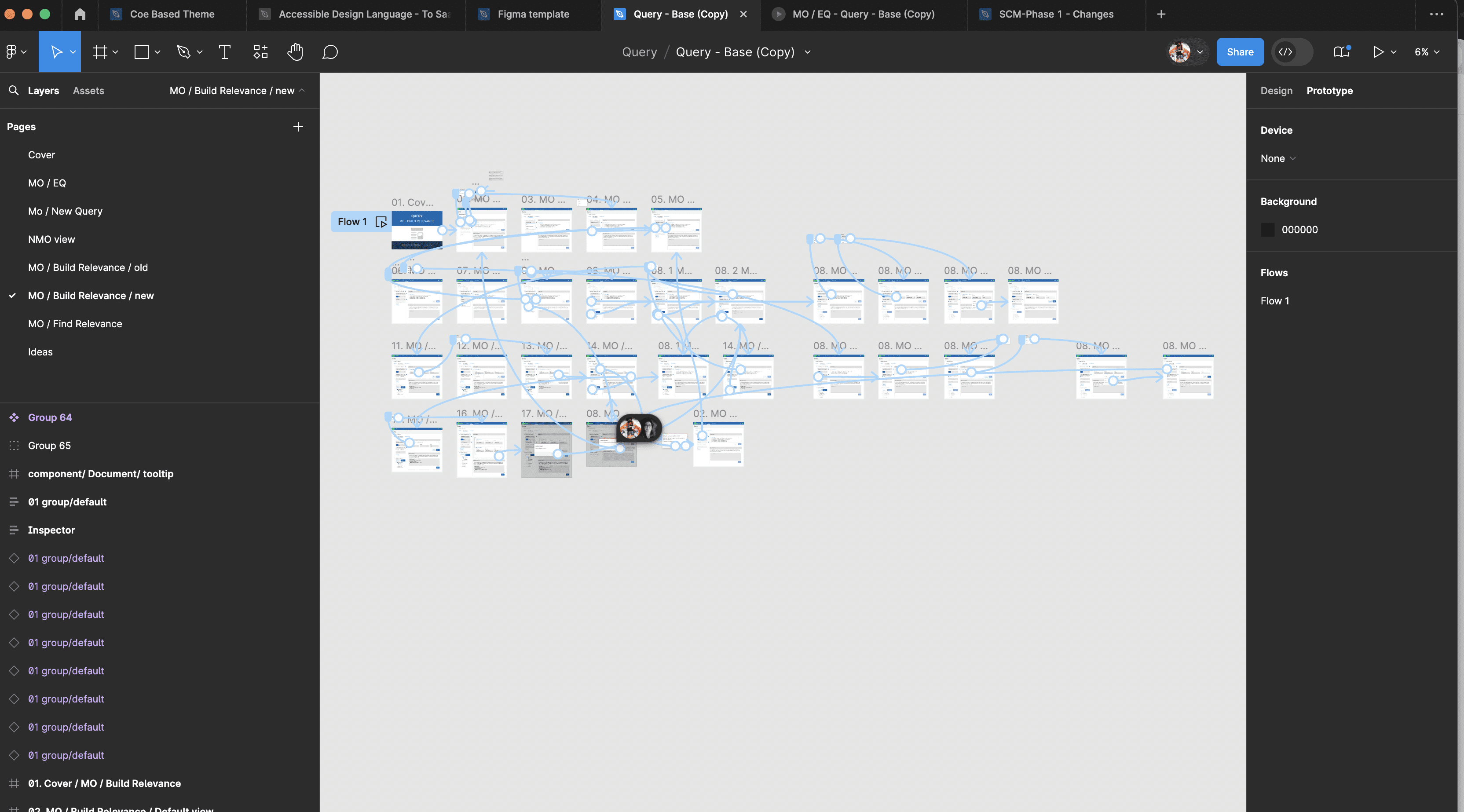
Query
Search saved queries by keywords

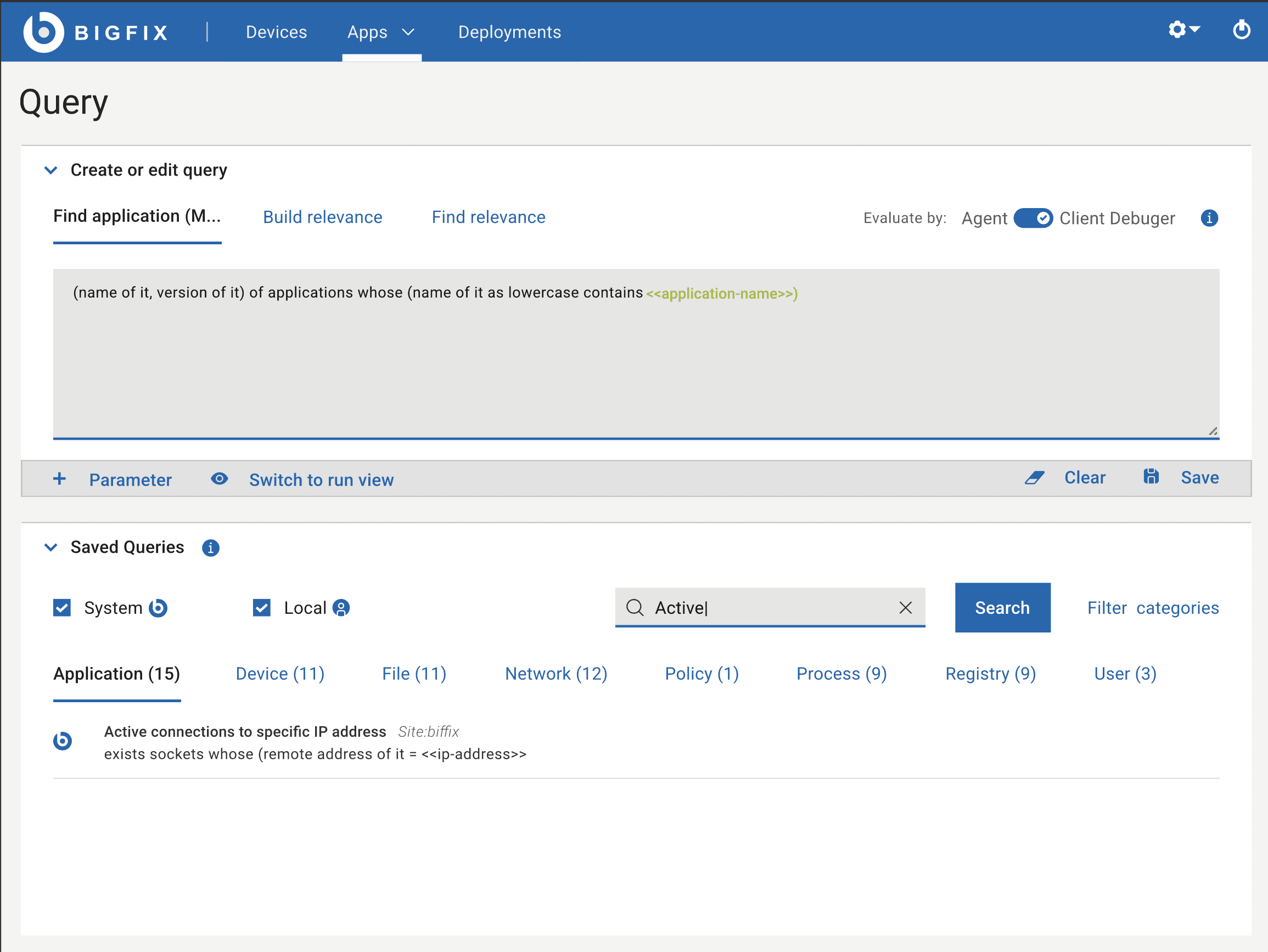
Query
Select listed queries to edit & run
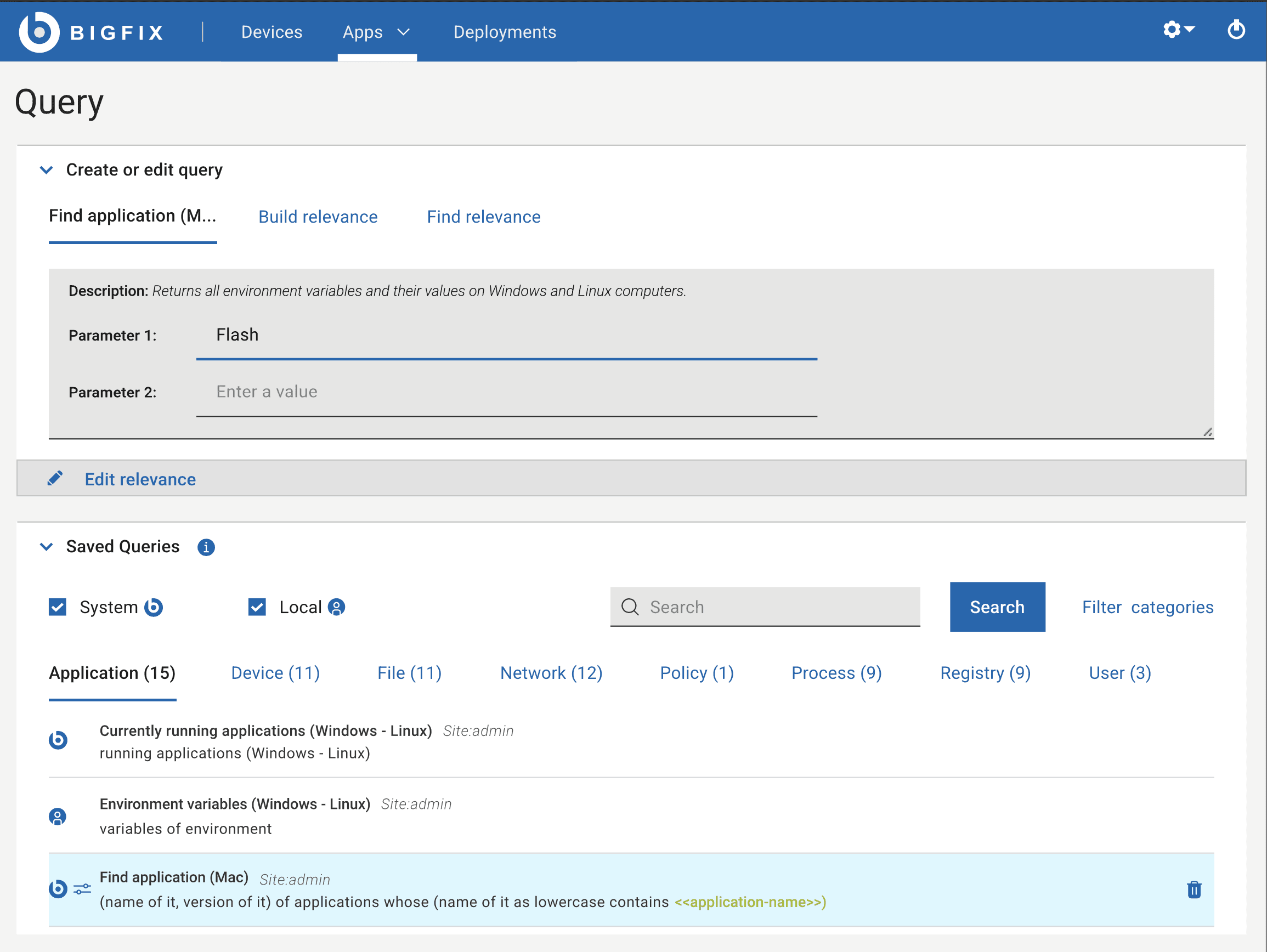
Query
Save created queries for future use
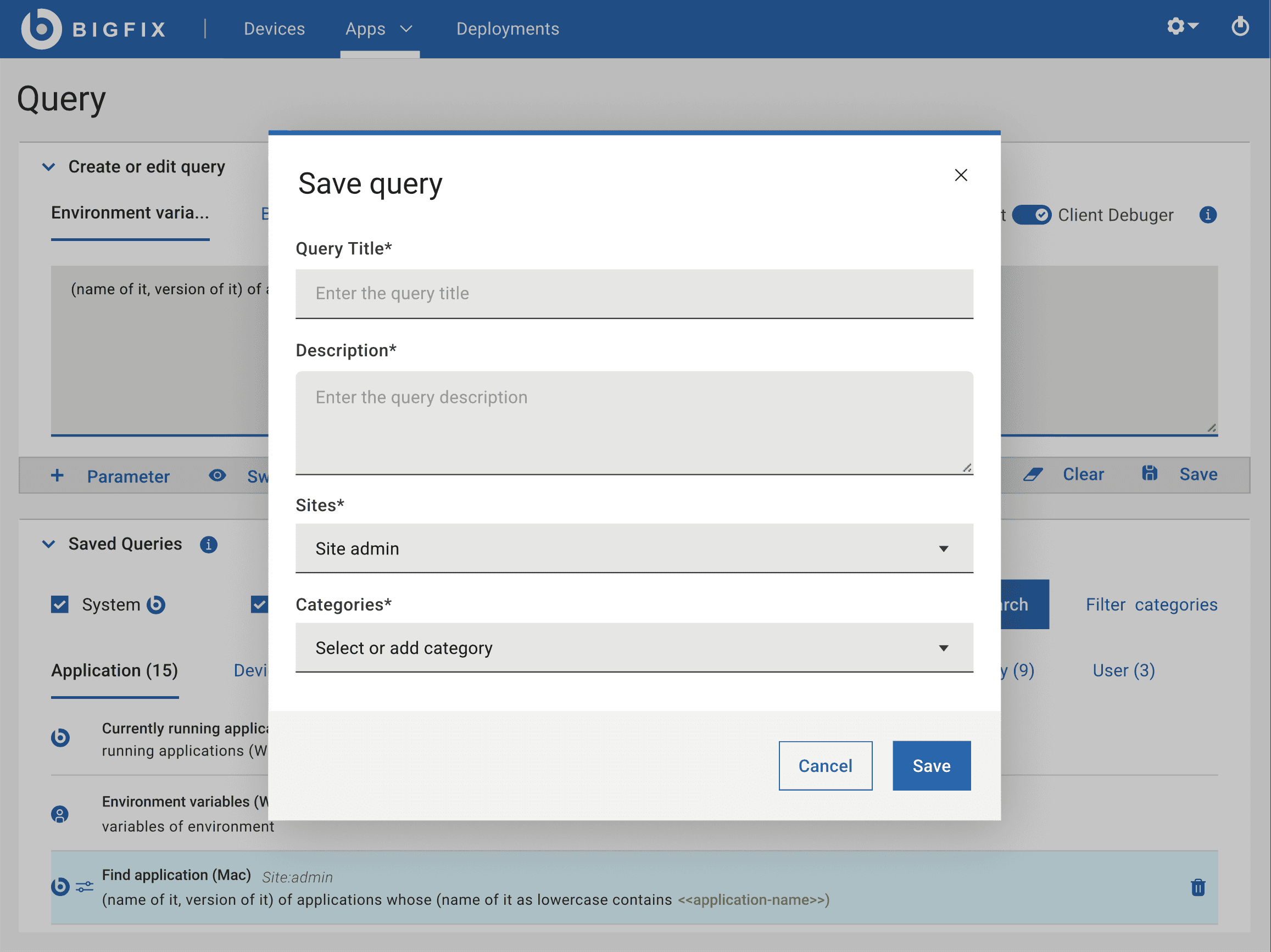
Query
Search saved queries by keywords
Query
Default view to create a query
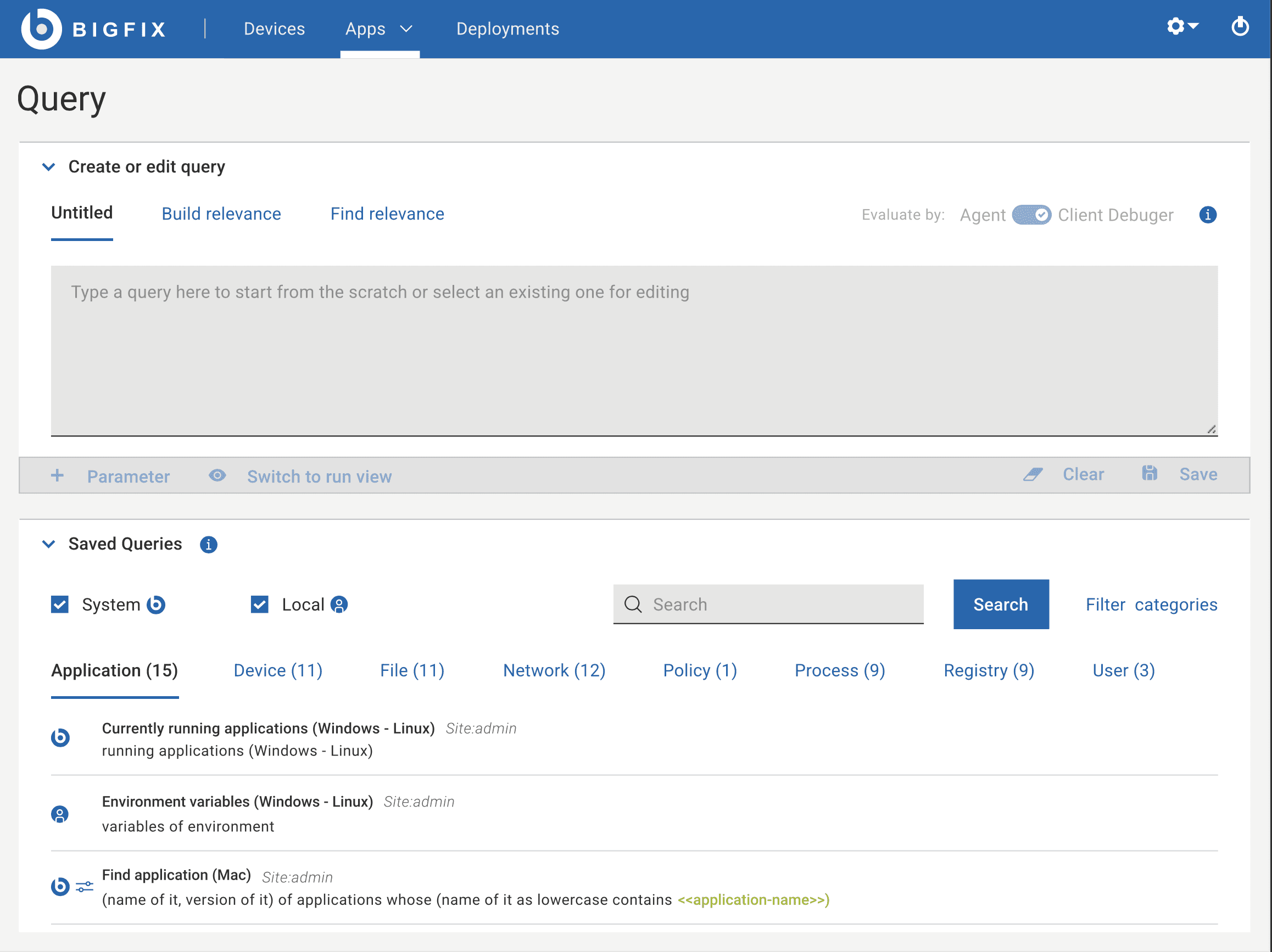
query
Select target endpoints to run the queries.
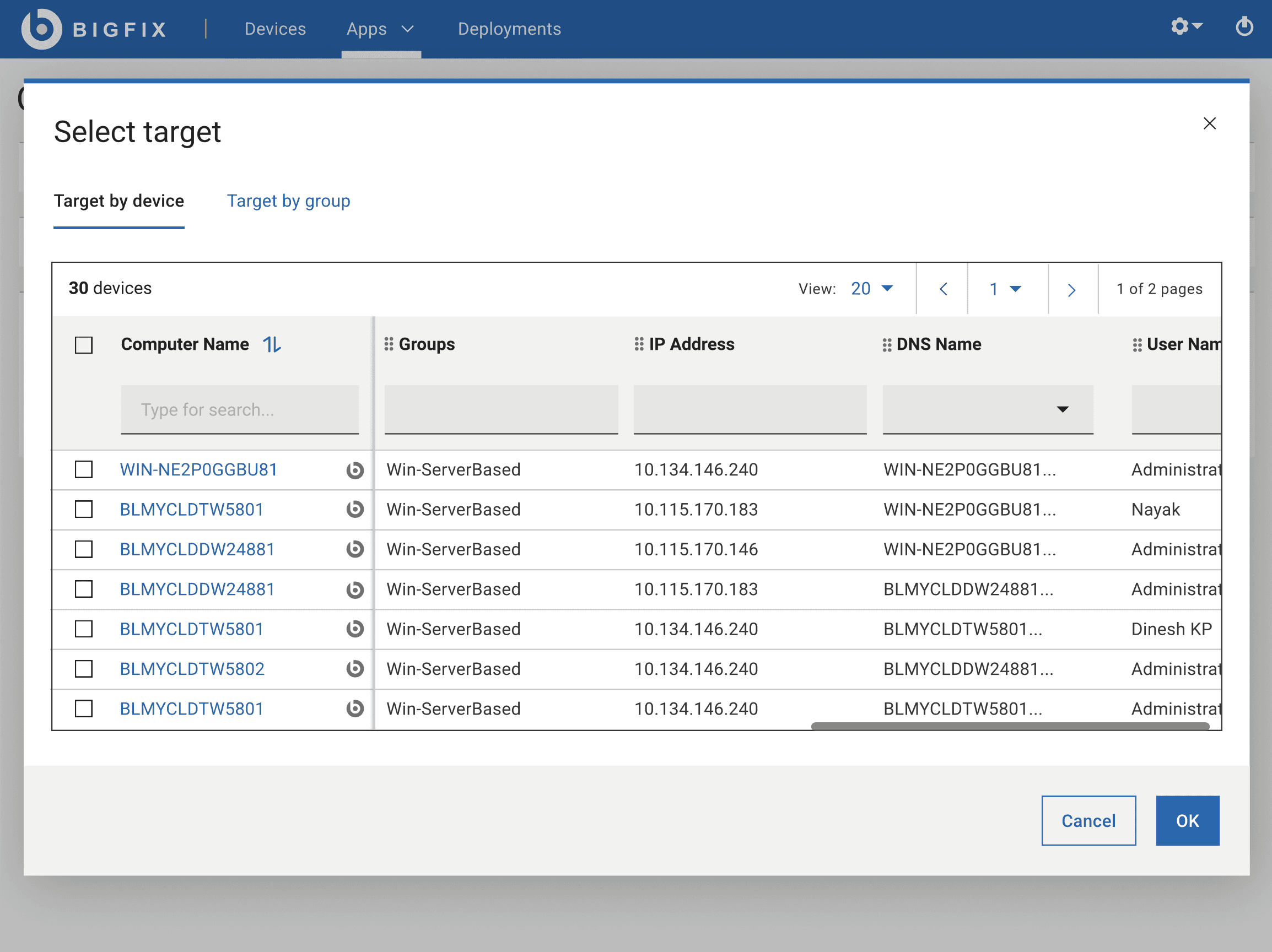
Queries
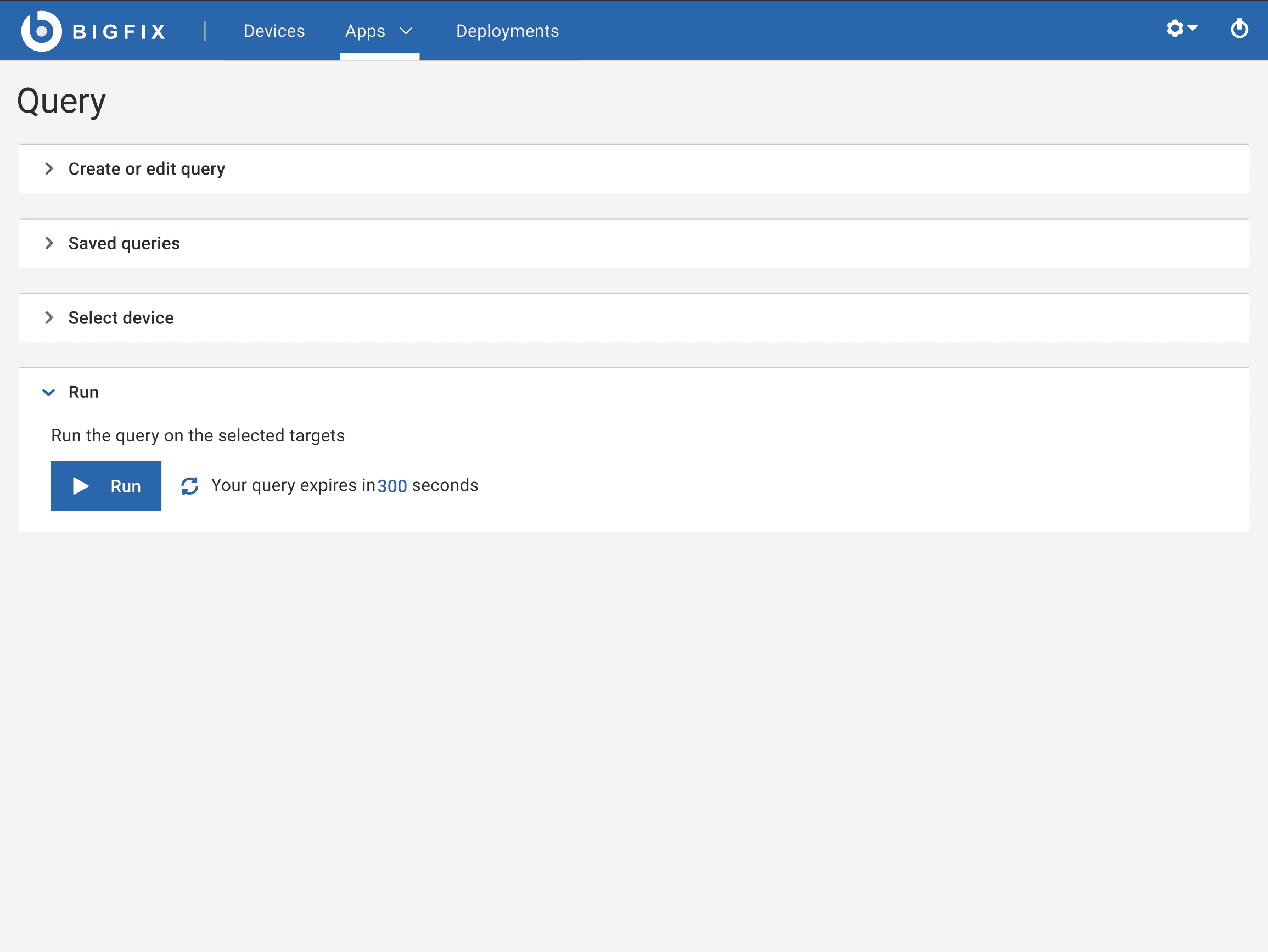
Run the queries based on the target devices
Query
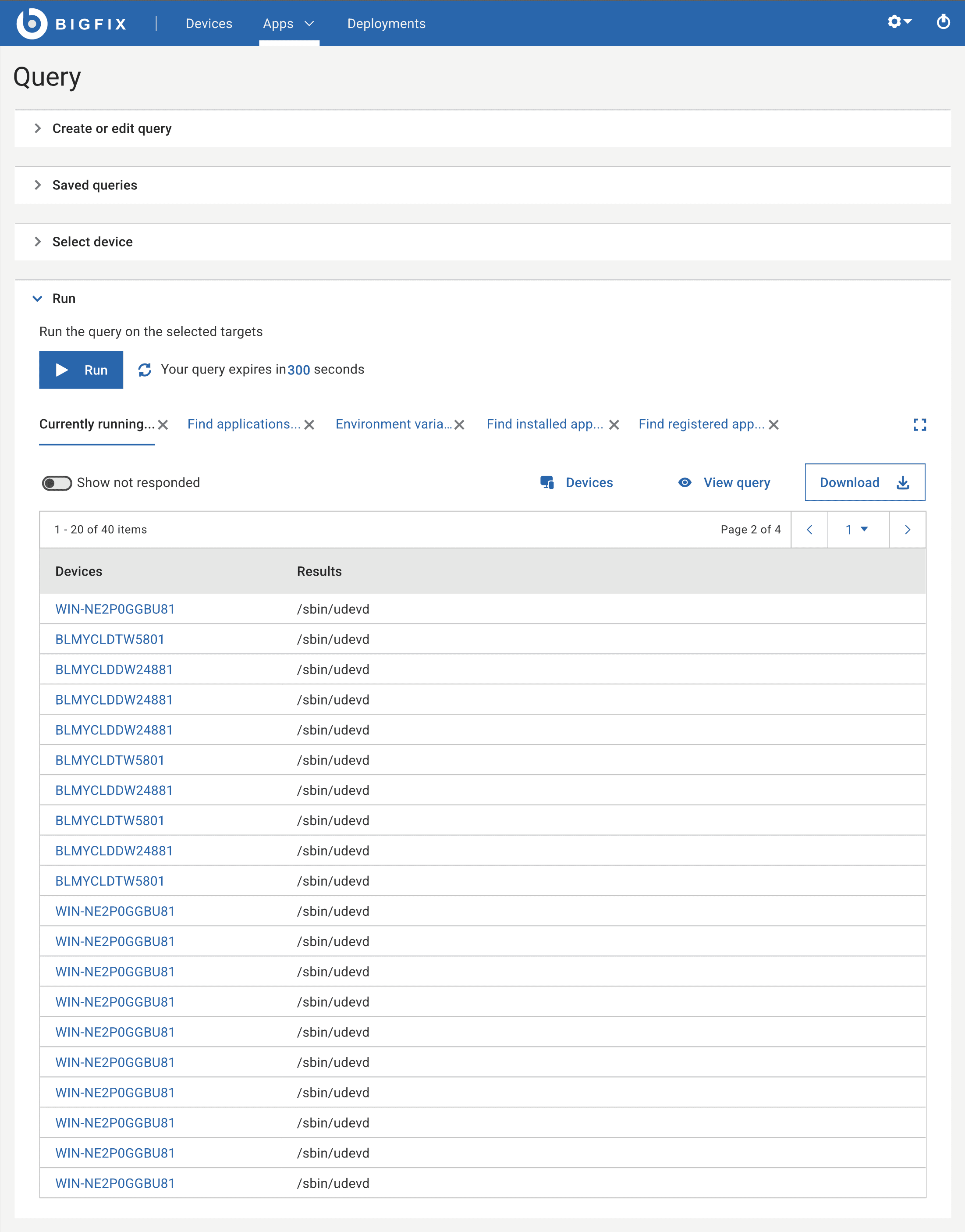
Data fetched & user can able to retrieve the informations from different endpoints.
Query
Default view to create a query
Query
Data fetched & user can able to retrieve the informations from different endpoints.